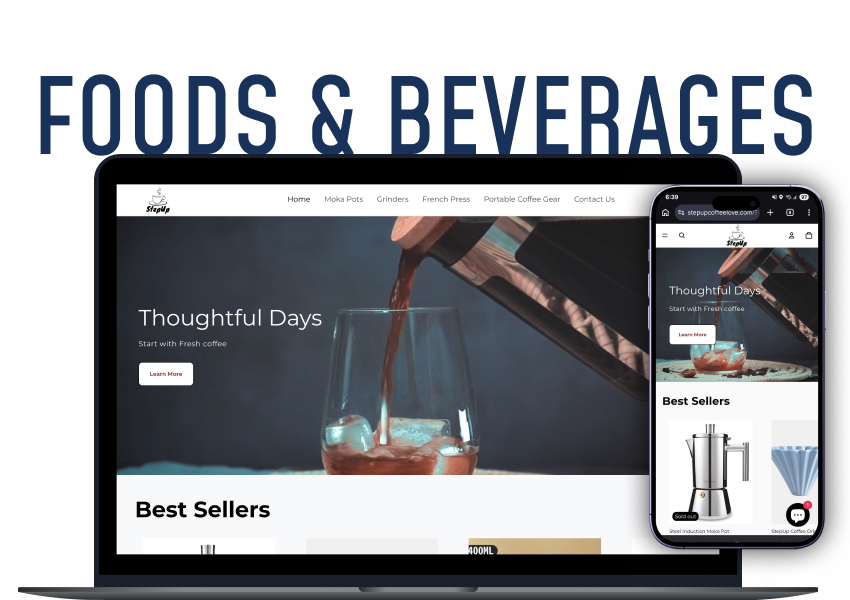

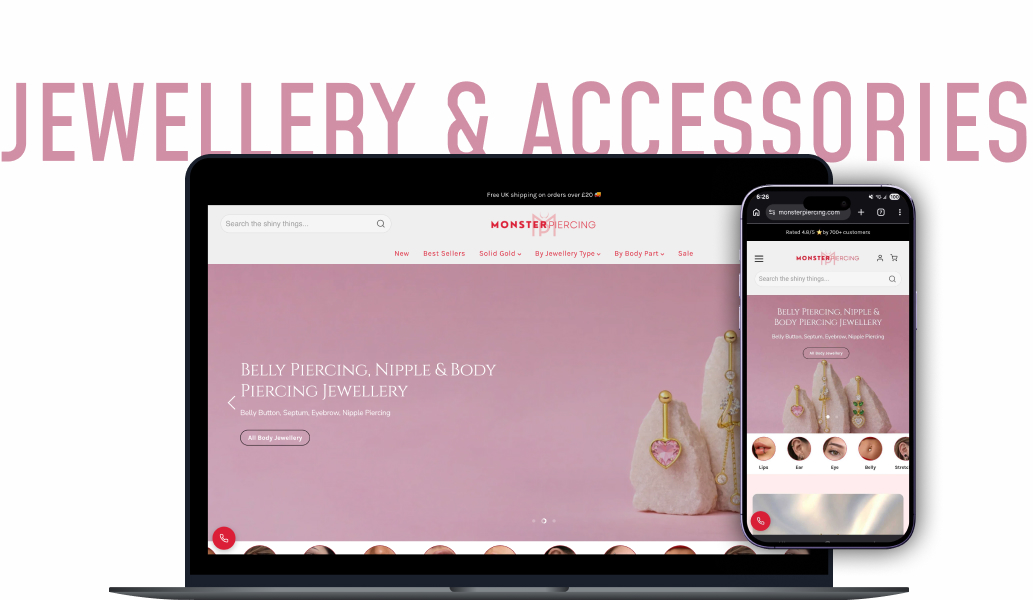



01/04
Account audit and structure
Full Google Ads audit, campaign rebuild, segmentation by margin and profitability, budget reallocation.
What changes
Money moves to the products that can actually pay for it.
 SEO Schema & JSON‑LD
Rich snippets & structured data
AI SEO Optimizer
AI meta tags, blogs & schema
SEO Audit Optimizer
Fix technical SEO issues fast
SEO Speed Optimizer
One-click image & page speed
Currency Converter
Geo-redirect & local currency
Multi Announcement Bar
Promos, countdowns & banners
Frequently Bought Together
Frequently bought together & AOV
Pricing By Country
Country-specific price control
Google Shopping Feed
Sync products to Google Ads
SEO Schema & JSON‑LD
Rich snippets & structured data
AI SEO Optimizer
AI meta tags, blogs & schema
SEO Audit Optimizer
Fix technical SEO issues fast
SEO Speed Optimizer
One-click image & page speed
Currency Converter
Geo-redirect & local currency
Multi Announcement Bar
Promos, countdowns & banners
Frequently Bought Together
Frequently bought together & AOV
Pricing By Country
Country-specific price control
Google Shopping Feed
Sync products to Google Ads
We find where your budget is leaking, fix the product feed and campaign structure, then scale only the products that already make money. Not more spend. Better spend.










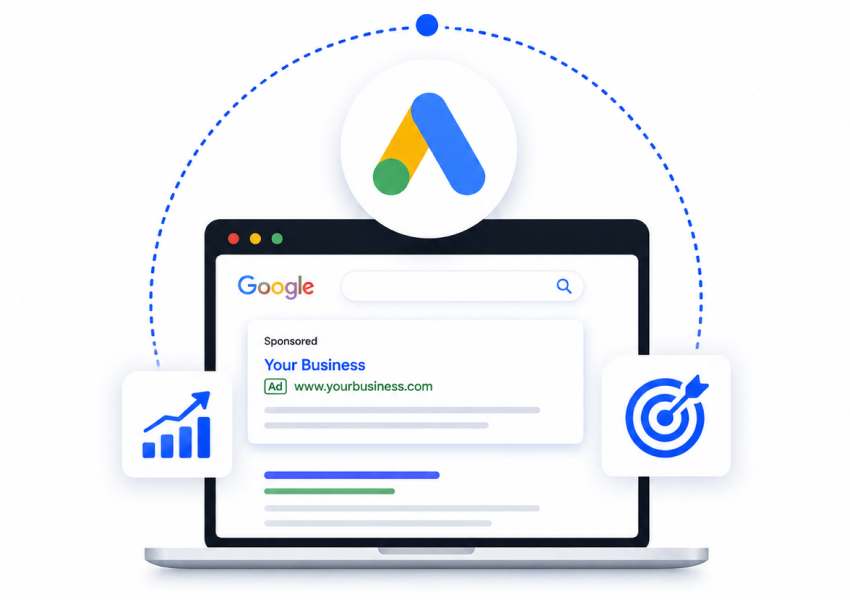
Ecommerce PPC is paying Google to put your products in front of people at the moment they are searching to buy. Google Ads for Shopify is not the same job as lead-gen ads. You are not chasing form fills. You are bidding on thousands of individual products, each with its own margin, stock level, and conversion rate.
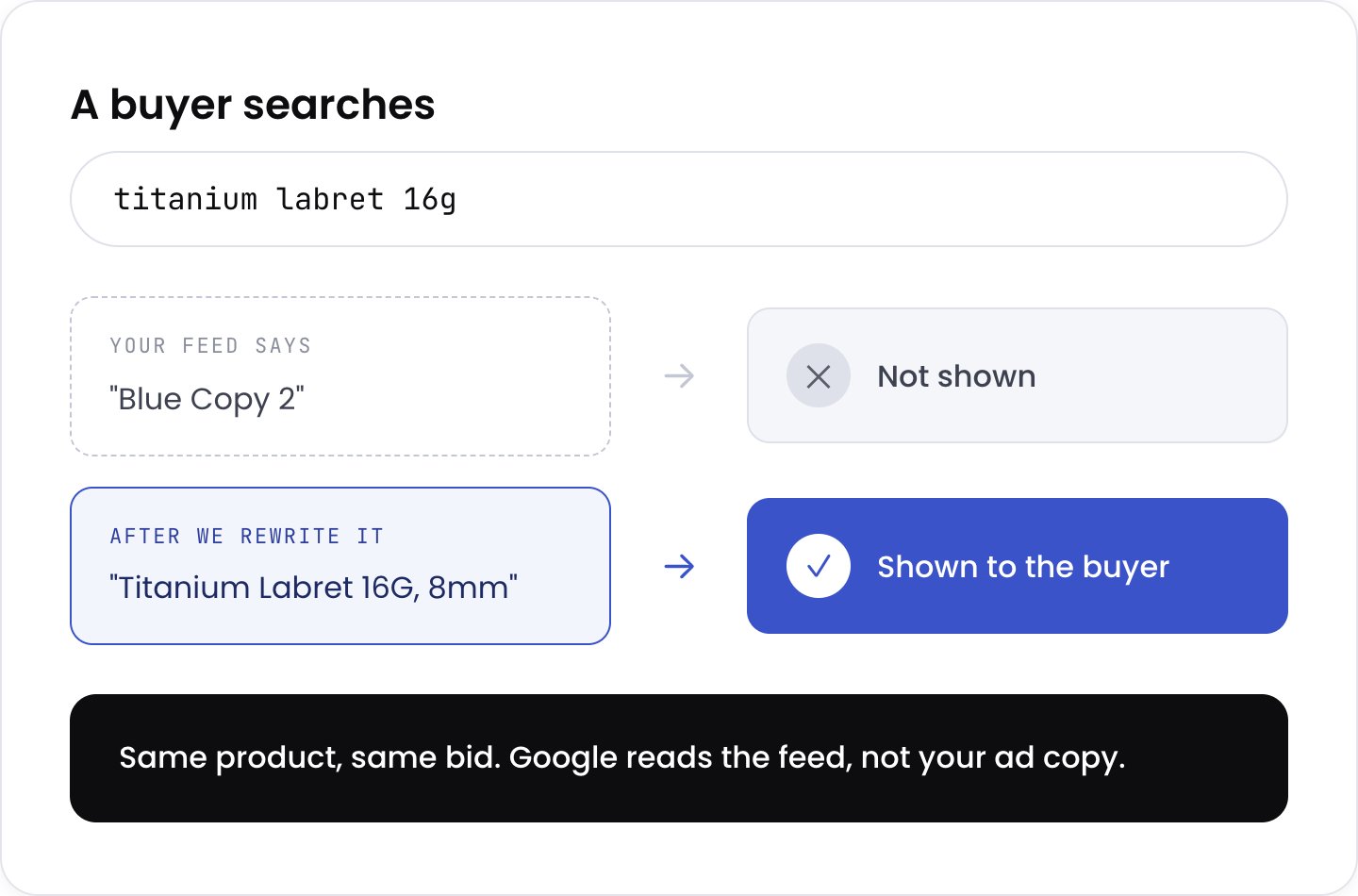
That is why the product feed matters more than the ad copy. Google decides which of your products to show, using the titles, images, and data in your feed. Get that wrong, and you pay full price for clicks on products that were never going to sell. Most of the accounts we audit are losing money here, not in bidding. It is also why a general PPC agency often struggles with Shopify Google Ads. Feed work is a different discipline from writing search ads.
New to paid search entirely? Start with our Google Ads guide for store owners, which covers how the ad types differ and what the first thirty days should look like.
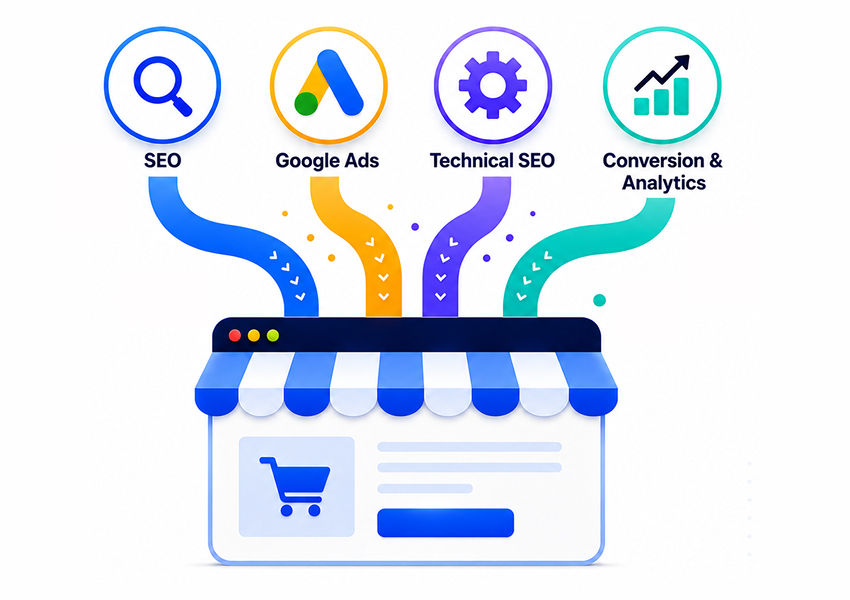
Google Ads for ecommerce breaks into four pillars. Each one has a named outcome you can check against.
Full Google Ads audit, campaign rebuild, segmentation by margin and profitability, budget reallocation.
Product titles rewritten for real search demand, image quality, Merchant Center errors, Google Shopping feed optimization.
Shopping, Search, Performance Max, remarketing, bidding strategy, negative keywords, creative testing.
GA4, enhanced conversions, server-side tracking, monthly reporting at product level.
Every engagement includes monthly reporting and a strategy call. You see profit by product, not a dashboard of impressions.
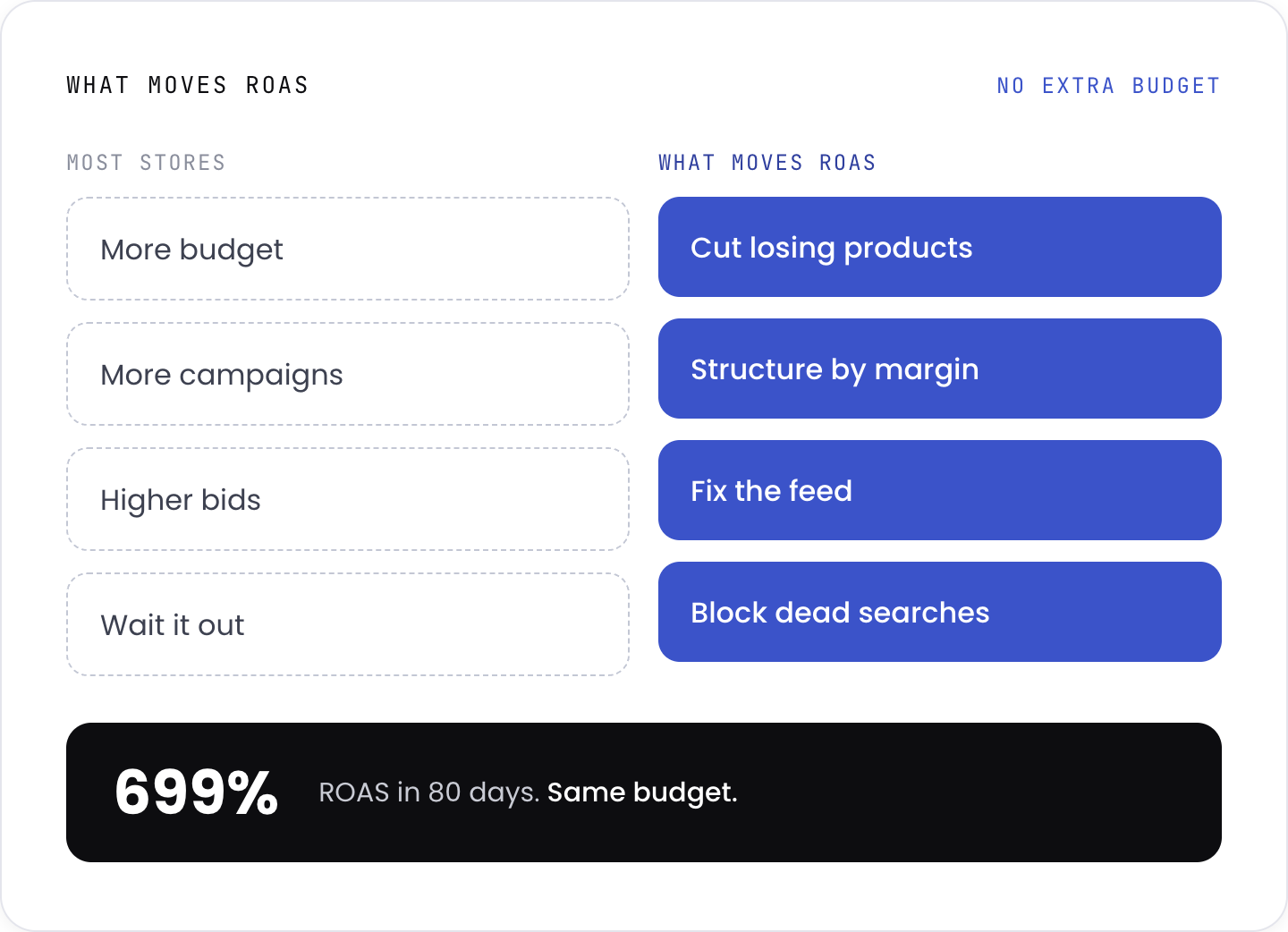
The instinct when ads underperform is to spend more. It rarely works.
The problem is usually which products you are advertising, not how much you are paying to advertise them.
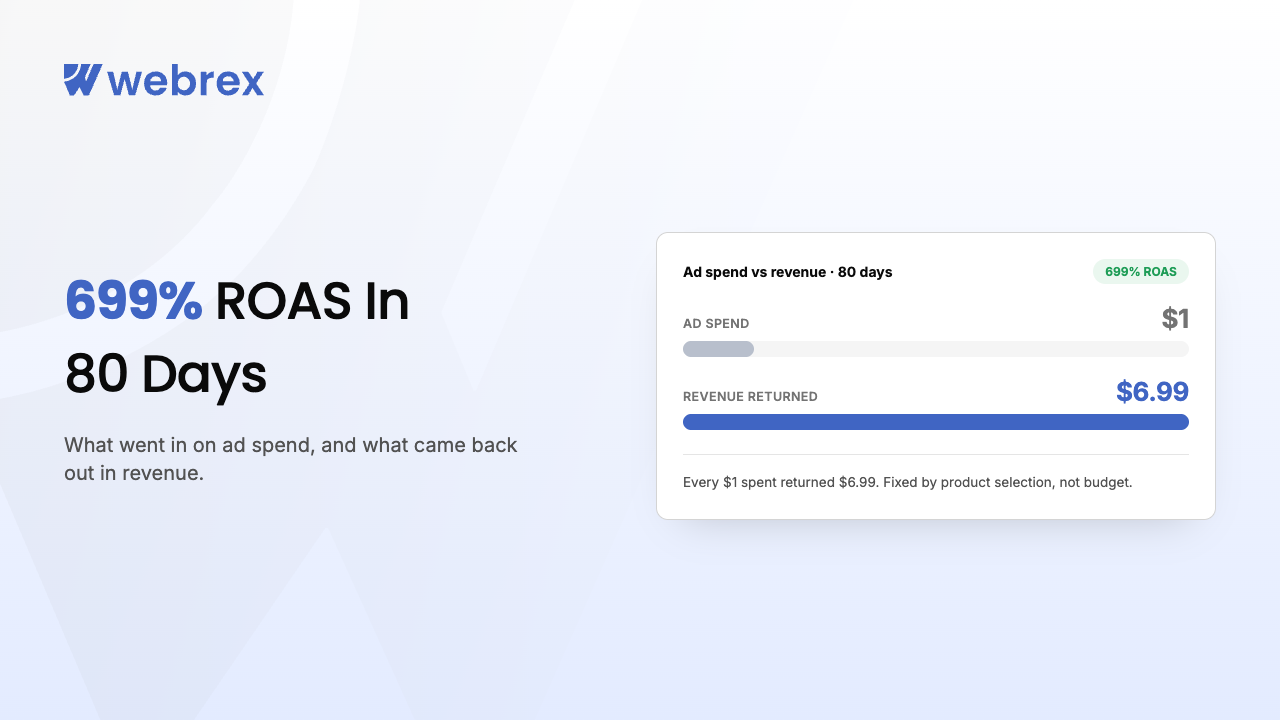
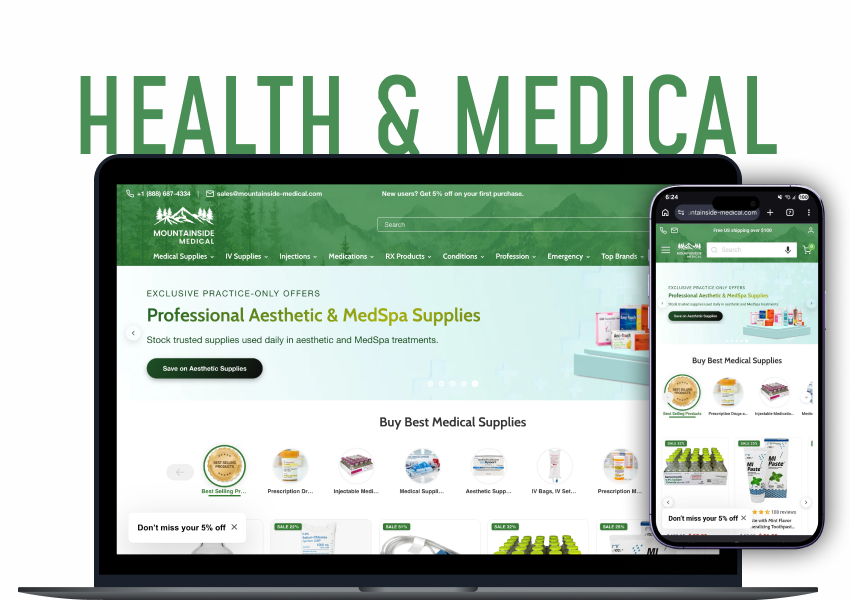
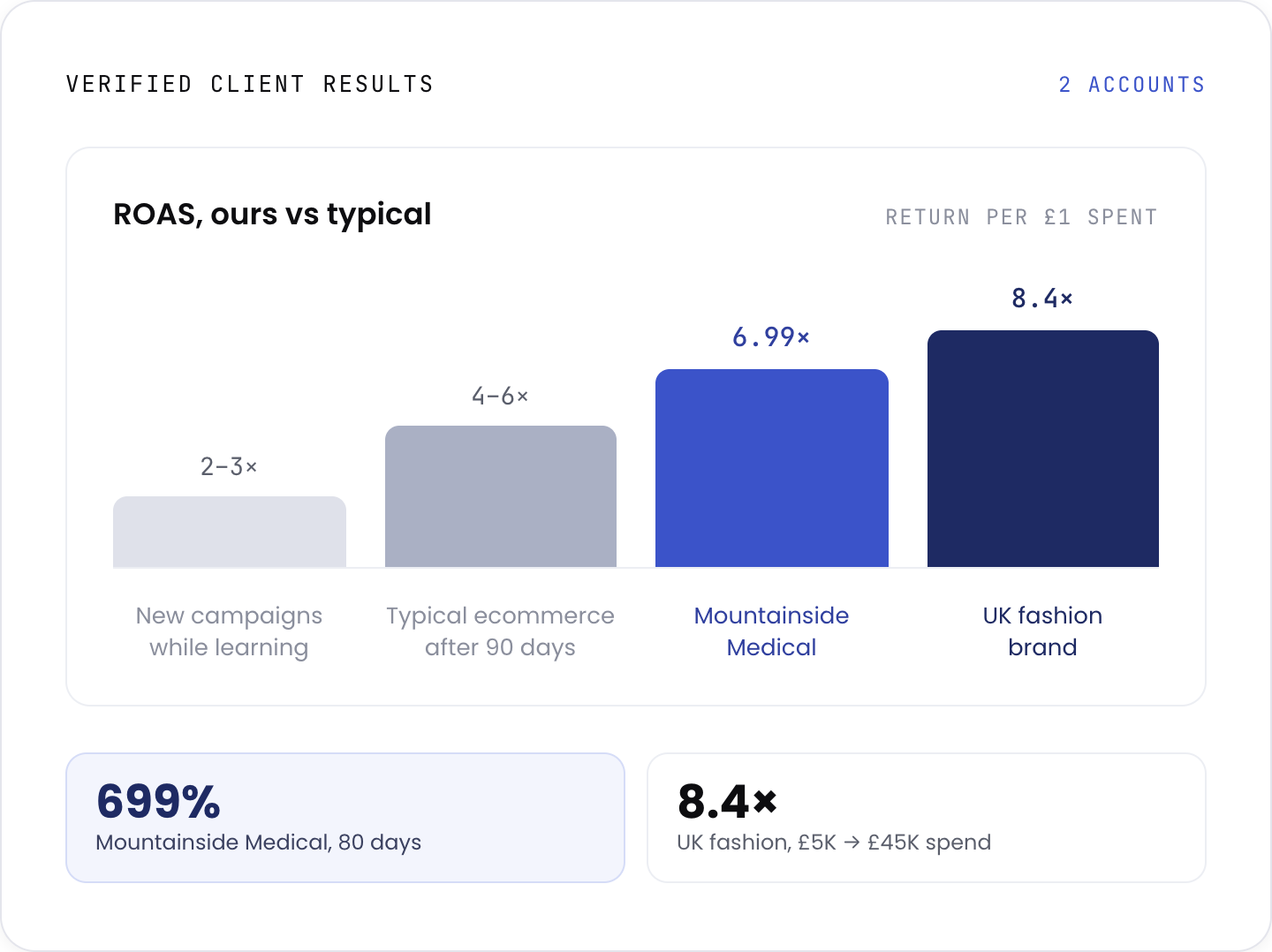
We took a medical supply store to 699% ROAS in 80 days without increasing the budget. The fix was product selection. The account was spending most of its money on items that could not turn a profit at any bid.
Most agencies rent their tooling. We build ours. Our Google Shopping Feed app syncs Shopify products straight into Google Ads, and it ships with every engagement at no extra cost.
Seamlessly connect your Shopify store with Google Merchant Center to create high-quality product feeds for Google Shopping and Google Ads. Automatically sync your products, optimize feed quality, and get your products featured in Google's free listings for maximum visibility and sales.
View on App StoreYou can install it and run it yourself. Most stores get further with someone reading the output and acting on it. That is the service on this page.
View all appsFull Google Ads audit of structure, tracking, and search terms. We tell you where the money is going before we touch anything.
Feed rewritten, campaigns restructured around margin, tracking fixed and verified. Nothing scales on a broken foundation.
Conservative budgets, daily monitoring for the first two weeks. We find the profitable pocket before we spend into it.
Budget moves toward what is already working. Weekly optimisation, monthly strategy review.
Prefer to run it yourself first? We wrote up how to run Google Ads for your own store, using the same sequence we follow here.
If you are in the second list, say so on the call. We will tell you what we would do instead, even if it is not us.