


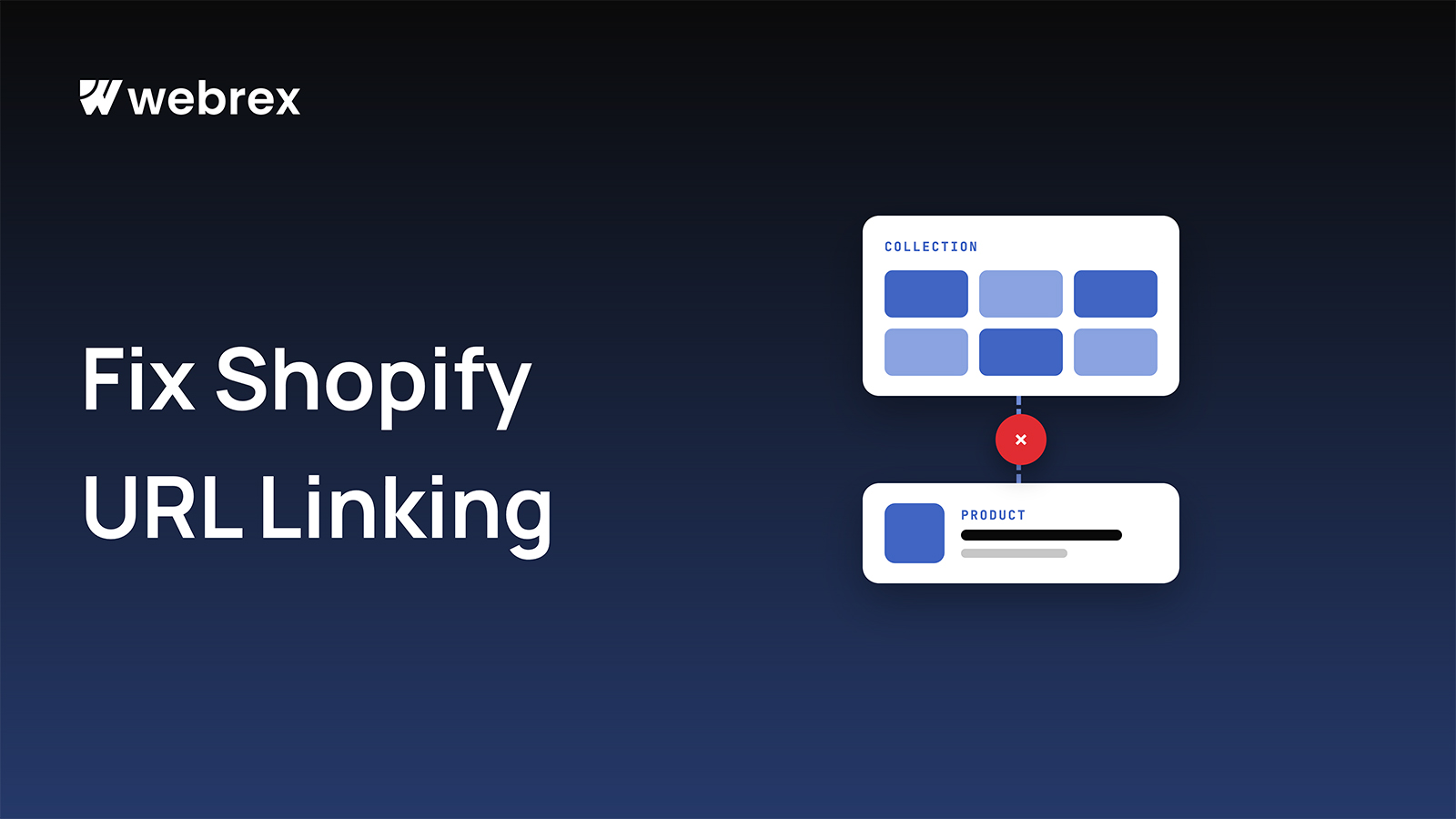
If you run a Shopify store, your products are usually added to collections. That's normal and helpful for users.
But what many store owners don't realize is that product and collection URLs can quietly create SEO problems, especially when internal linking is not handled properly. This blog explains the issue in simple words, so anyone can understand it.
How Shopify Product & Collection URLs Work
In Shopify, the same product can open using more than one URL.
Example:
-
Main product URL
/products/wooden-dining-table -
Product URL inside a collection
/collections/dining-room/products/wooden-dining-table
Both URLs show the same product page, but Google treats them as different URLs.
Issue 1: Internal Linking Becomes Weak or Confusing
Most Shopify stores link products through collections.
When:
- A product is removed from a collection
- A collection is changed or deleted
Then:
- Internal links may break
- Products lose internal link support
- SEO value flow becomes weak
Internal linking is one of the most important SEO factors, and this issue directly affects it.
Issue 2: Broken Links When Products Are Removed from Collections
This is a very common Shopify problem.
What usually happens:
- A product is removed from a collection
- Old collection-based URLs still exist
- Menus or internal links point to those URLs
The result:
- Broken links
- Poor user experience
- SEO tools start showing errors
- Google loses trust in site structure
Issue 3: Duplicate URLs Confuse Google
When Google finds the same product on:
/products//collections/.../products/
It becomes unclear:
- Which URL should rank
- Which URL is the main one
This can cause:
- Duplicate content
- Ranking dilution
- Wrong URLs appearing in search results
The Right SEO Way to Handle Product & Collection URLs
You don't need to block collections.
You don't need to redirect users.
The correct approach is clarity and consistency.
Best Practice
- Use
/products/product-nameas the main SEO URL - Ensure collection-based product URLs point to the main product URL using canonical tags
- Keep internal links clean and consistent
This way:
- Internal links stay strong
- Removing products from collections doesn't break SEO
- Google understands one clear URL per product
Why This Matters for Shopify Stores
This is not an advanced SEO trick.
This is basic Shopify SEO hygiene that:
- Improves internal linking
- Prevents broken URLs
- Keeps SEO structure clean
- Protects rankings long-term
Small structural issues create big SEO problems over time.
Final Thoughts
Shopify makes it easy to manage products and collections.
But for SEO:
- Internal links must stay stable
- Product URLs must stay clear
- Google should never be confused
Fixing product and collection URL handling is a simple but powerful improvement that almost every Shopify store needs.