

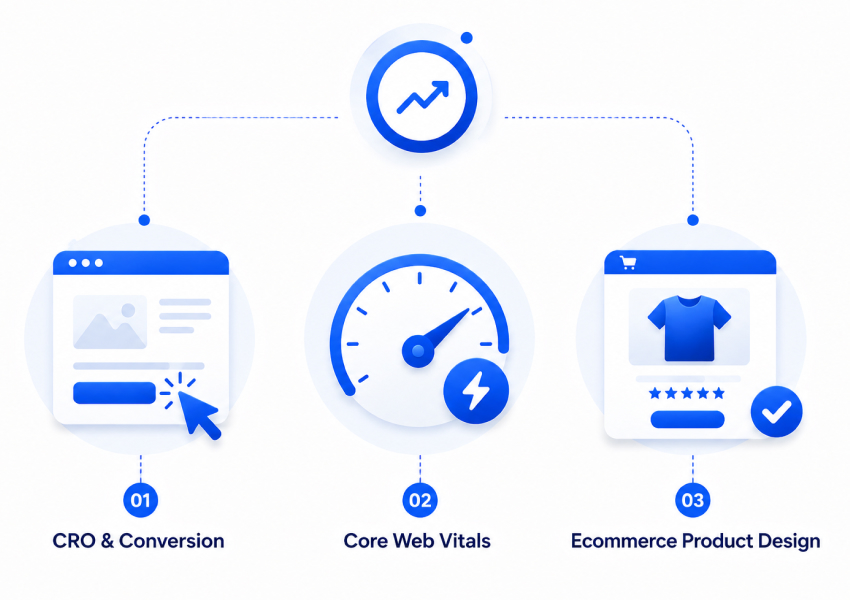
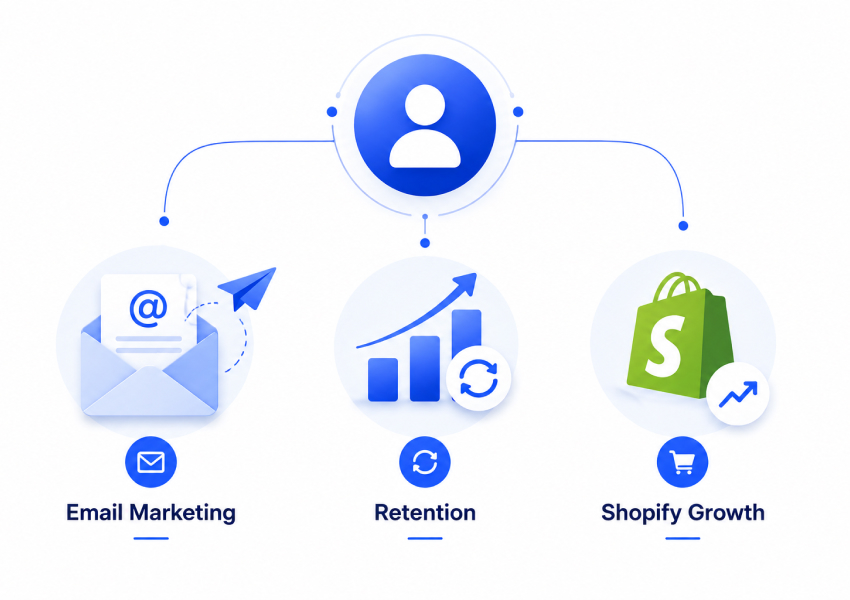
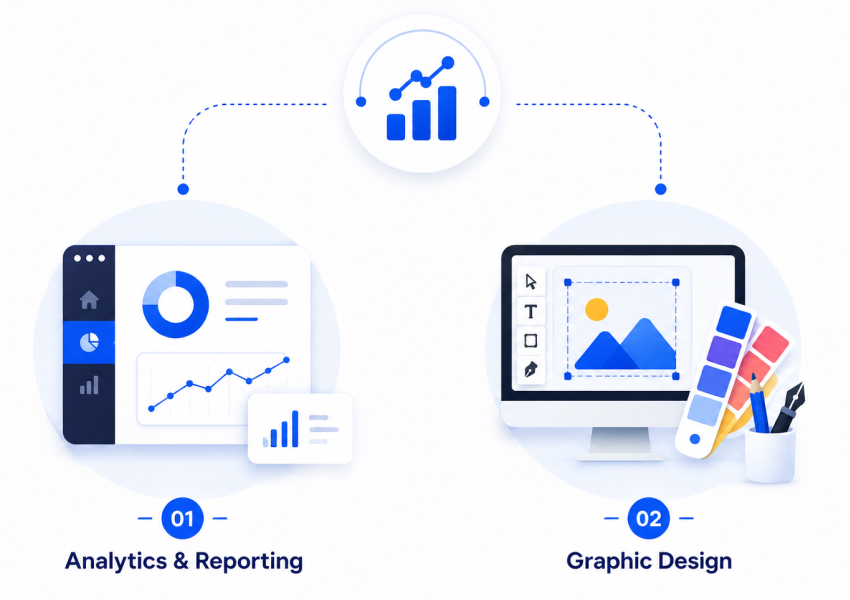
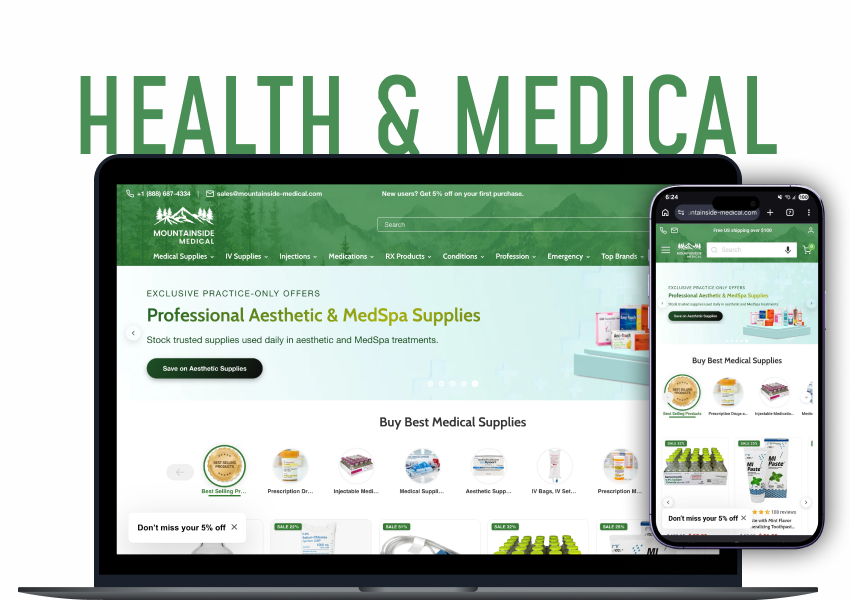
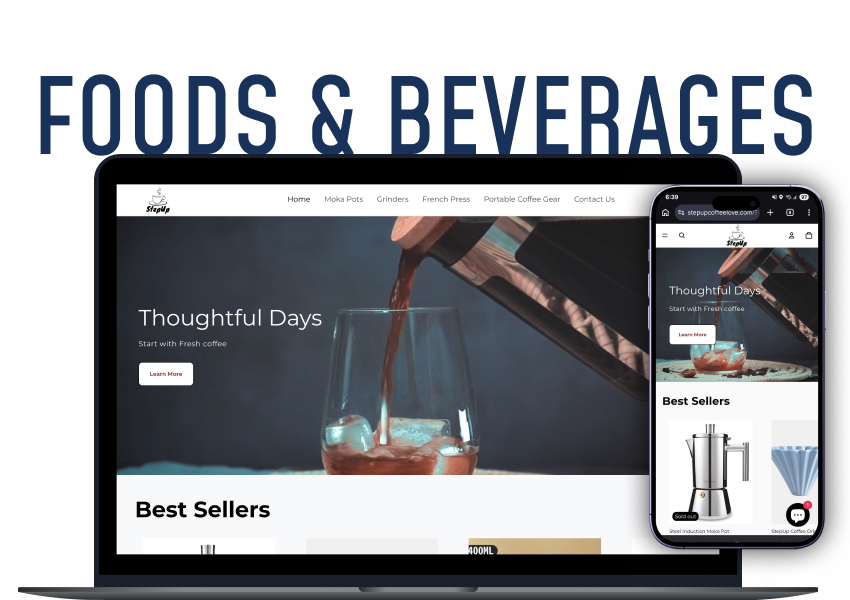
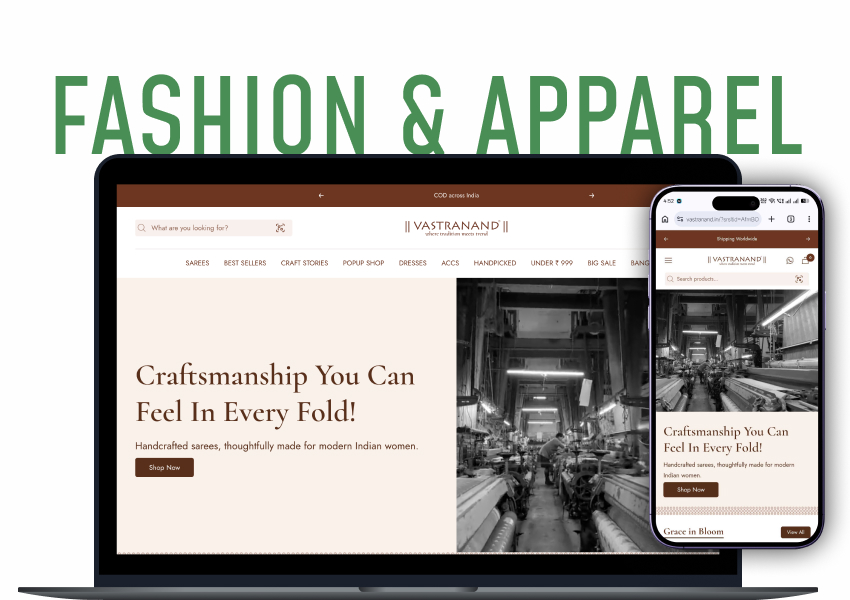
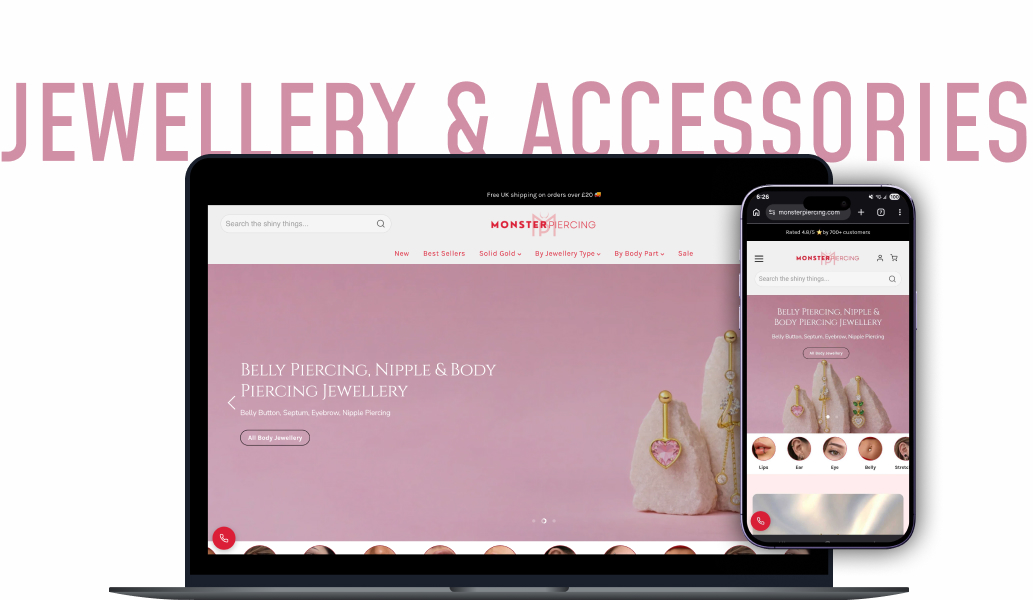
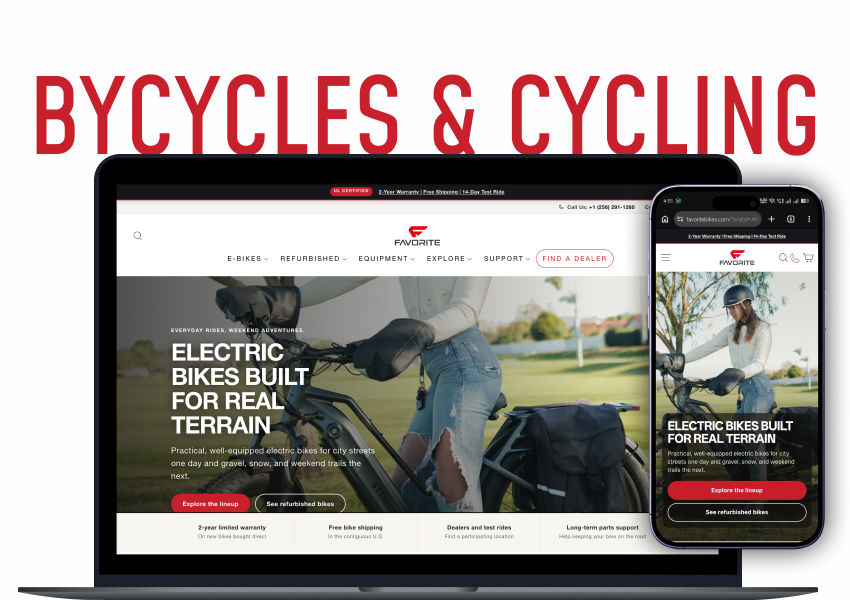
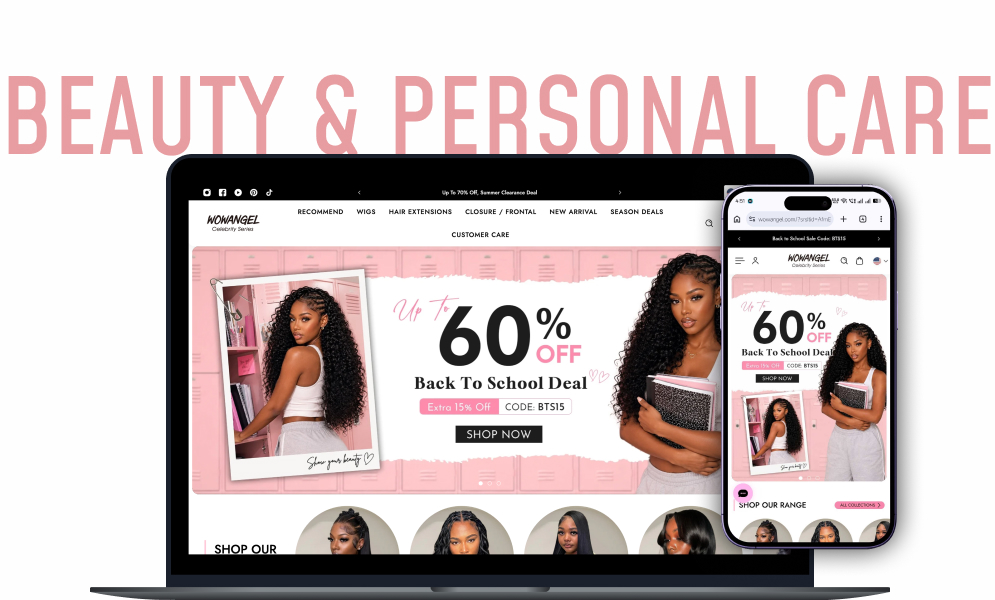
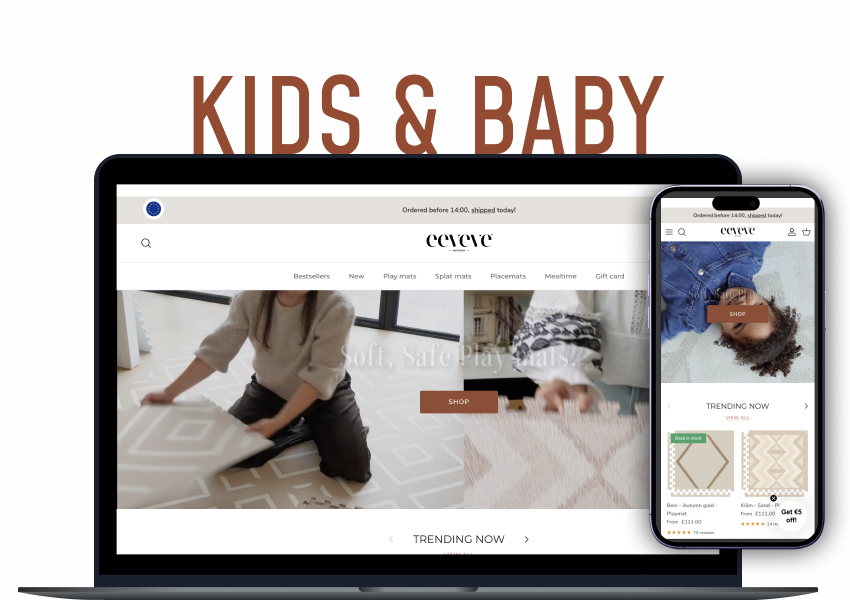


A custom Shopify theme is a store design built for your brand instead of a template thousands of other stores also use. You get one by hiring a Shopify developer or agency, briefing them on your brand and the pages you sell from, and having them build the theme in Shopify's design system so it stays easy for you to edit. A full custom theme usually takes 4 to 8 weeks and costs roughly 3,000 to 15,000 dollars depending on how many custom pages and features you need. This guide shows you the exact steps to get one built without wasting money or breaking your store, covering Shopify theme customization, custom Shopify theme development, and the Shopify customization options in between.
In this guide
- Why store owners want a custom theme
- What custom Shopify themes actually are
- Custom vs premium vs free themes
- What it really costs to get one built
- Will it be slow, hurt SEO, or break?
- How the build actually happens, step by step
- Common mistakes that cost owners the most
- Your first 30 days
- Frequently asked questions
This guide walks you through what a custom Shopify theme really is, when it is worth paying for, how the build actually happens step by step, what to put in your brief, the mistakes that cost owners the most, and a simple 30-day plan to go from idea to live. No jargon, no scare tactics.
Why store owners want a custom theme in the first place
Most stores start on a free or premium theme, and that is the right call at the start. You need to launch and start selling, not spend weeks on design.
The problem shows up slowly:
- You add a product line, and the template has no clean place for it.
- You want a landing page for an ad campaign, and the layout fights you.
- Your best seller needs a size guide, a bundle offer, and trust badges, but the theme only gives you a plain product page.
- You start bolting on apps to force the design to do things it was never built for, and each app adds weight, cost, and one more thing that can break. Sometimes the answer is the right apps rather than more of them.
At some point you are not really using the theme. You are working around it. That is usually the moment a custom Shopify theme starts to pay for itself, because instead of fighting a design made for everyone, you get one shaped around how you actually sell.
What custom Shopify themes actually are
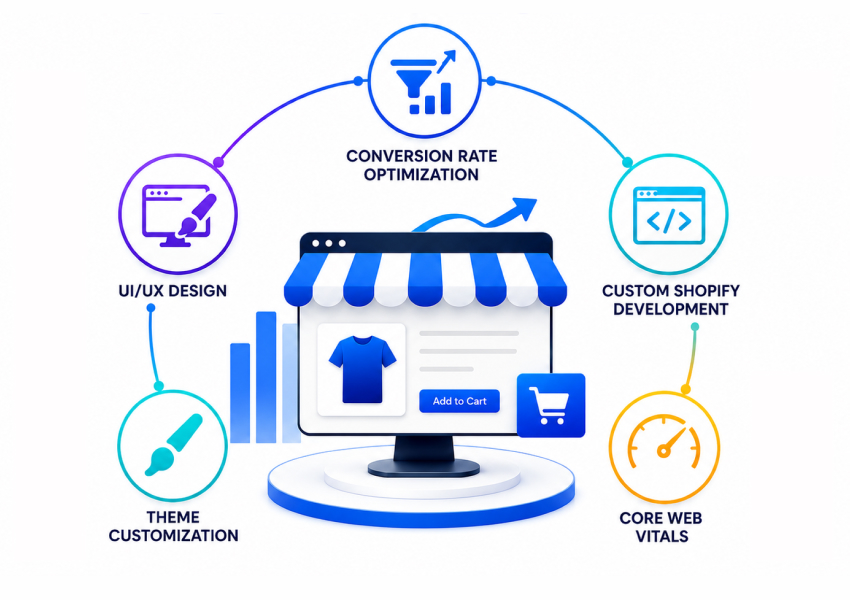
A custom Shopify theme is the visual layer of your store, the part your customers see and click, designed and coded specifically for your brand. It controls your homepage, collection pages, product pages, cart, and checkout styling, plus any special pages you sell from. This is where Shopify theme customization goes beyond simple color and font tweaks and turns into full Shopify custom design shaped around your products, which is really a question of UI/UX design as much as code.
There are three levels people confuse:
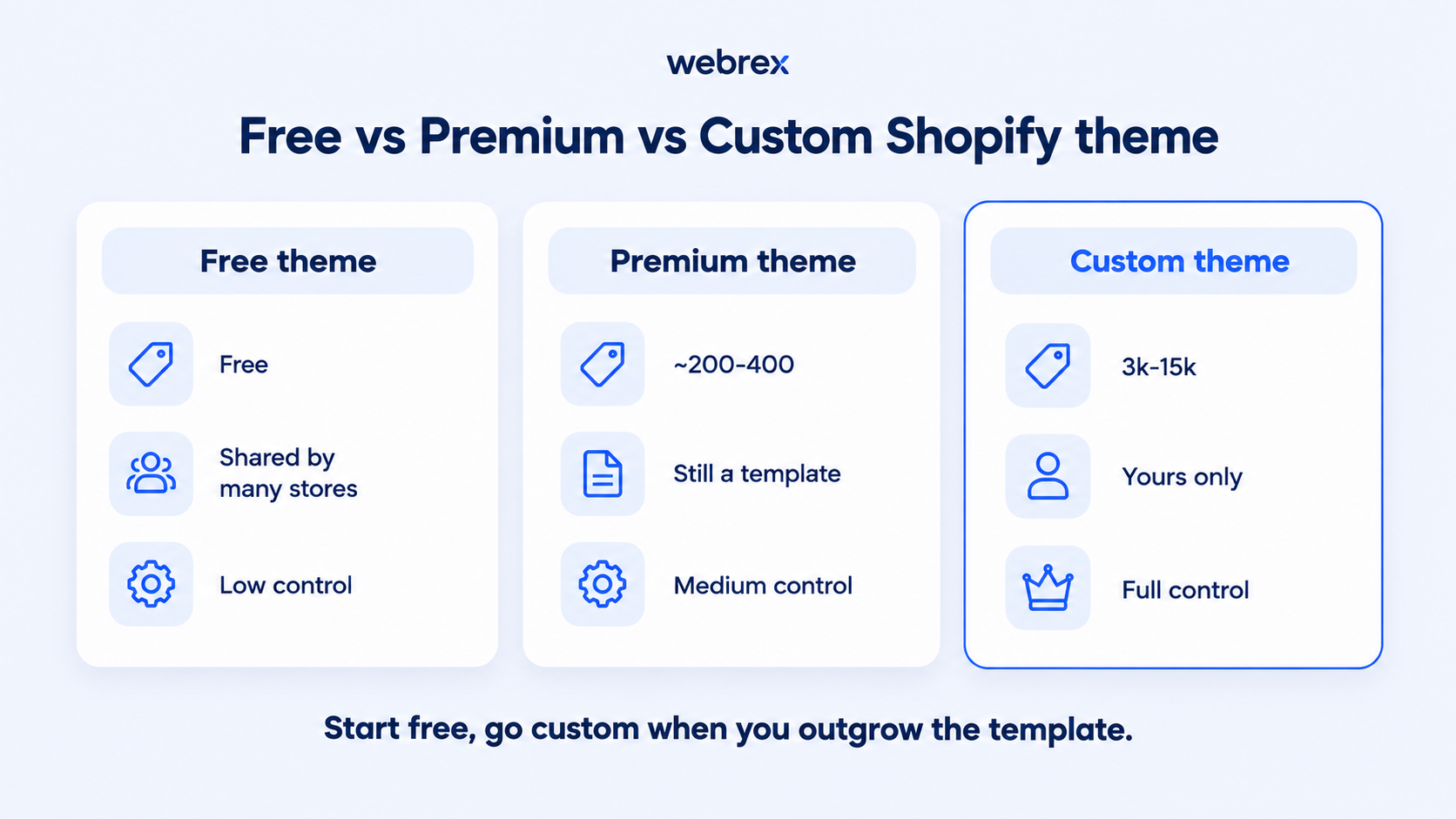
- A free theme: Shopify's own free themes. Clean and fast, but shared by huge numbers of stores, so your store looks like many others.
- A premium theme from the Shopify Theme Store: A paid template with more features and polish, still a template that other stores buy and use.
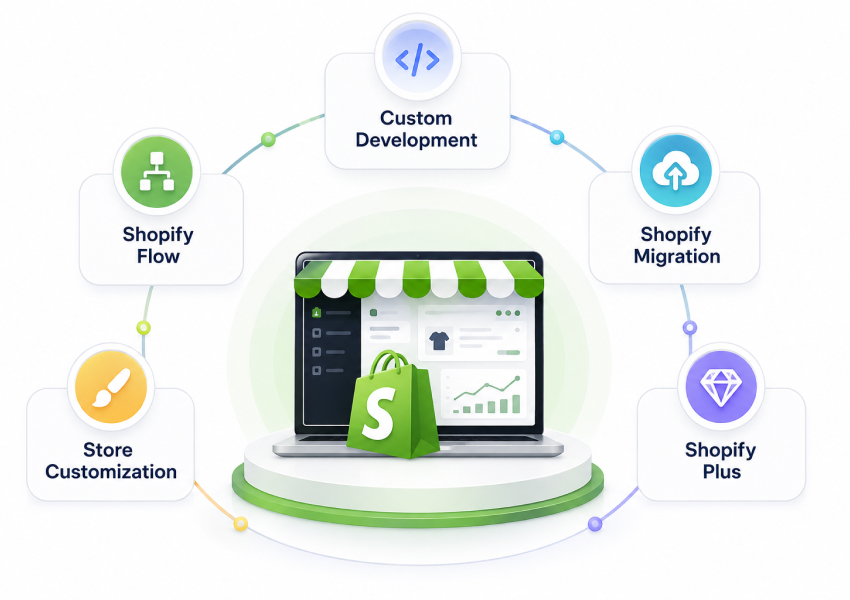
- A custom theme: Built for your store only. Shopify custom themes match your products and your brand, and nothing is shared with anyone else. This is also where Shopify custom templates for specific page types come in, so a product page or landing page can behave differently from the rest of the store.
A custom theme is not a different kind of website. It is still a Shopify store. It is just designed for your needs instead of the average store's needs.
The Takeaway: A custom theme does not add a longer feature list. It removes the parts you were fighting, so your store finally works the way you sell.
Custom vs premium vs free themes
| Feature | Free theme | Premium theme | Custom Shopify theme |
|---|---|---|---|
| Price | Free | ~$200 to $400 one-off | ~$3,000 to $15,000 |
| Shared with other stores | Yes, many | Yes | No, yours only |
| Design control | Low | Medium | Full |
| Custom page types | Limited | Some | Unlimited |
| Speed | Fast | Usually fast | Fastest when built clean |
| Best for | Brand new stores | Standard, small range | Stores outgrowing templates |
| Upkeep | Shopify maintains it | Theme developer updates | Your team edits in the editor |
Free themes are the best starting point on Shopify. They load fast, they are maintained by Shopify, and they cost nothing. For a brand new store, starting anywhere else is usually a mistake. The limit is control, because free themes give you the fewest built-in sections and the least room to shape pages around your products.
Premium themes from the Shopify Theme Store are genuinely good too. They are cheap, usually well built, and fast to launch. If you sell a small range and your needs are standard, a premium theme can carry you a long way, and paying for full Shopify theme development would be a waste.
Where both fall short is when your store stops being standard. If you need a product page that behaves differently for different product types, a homepage that tells a specific brand story, or campaign pages built to convert paid traffic, you end up stacking apps and custom code onto a template. That works until an update or a new app breaks it, and then you are paying a developer to fix a design that was never yours to begin with.
The part nobody talks about: What it really costs to get one built
Most posts quote a price and stop. The real cost of a custom theme has three parts, and the sticker price is only the first.
| Project scope | What you get | Typical cost | Timeline |
|---|---|---|---|
| Light customization | Edits to an existing theme (sections, colours, a few custom blocks) | $500 to $2,500 | 1 to 2 weeks |
| Custom homepage + product page | Key selling pages built custom, rest templated | $3,000 to $6,000 | 3 to 4 weeks |
| Full custom Shopify theme | Every page type built around your brand | $6,000 to $15,000 | 4 to 8 weeks |
| Enterprise / Plus build | Advanced features, integrations, multi-store | $15,000+ | 8 weeks+ |
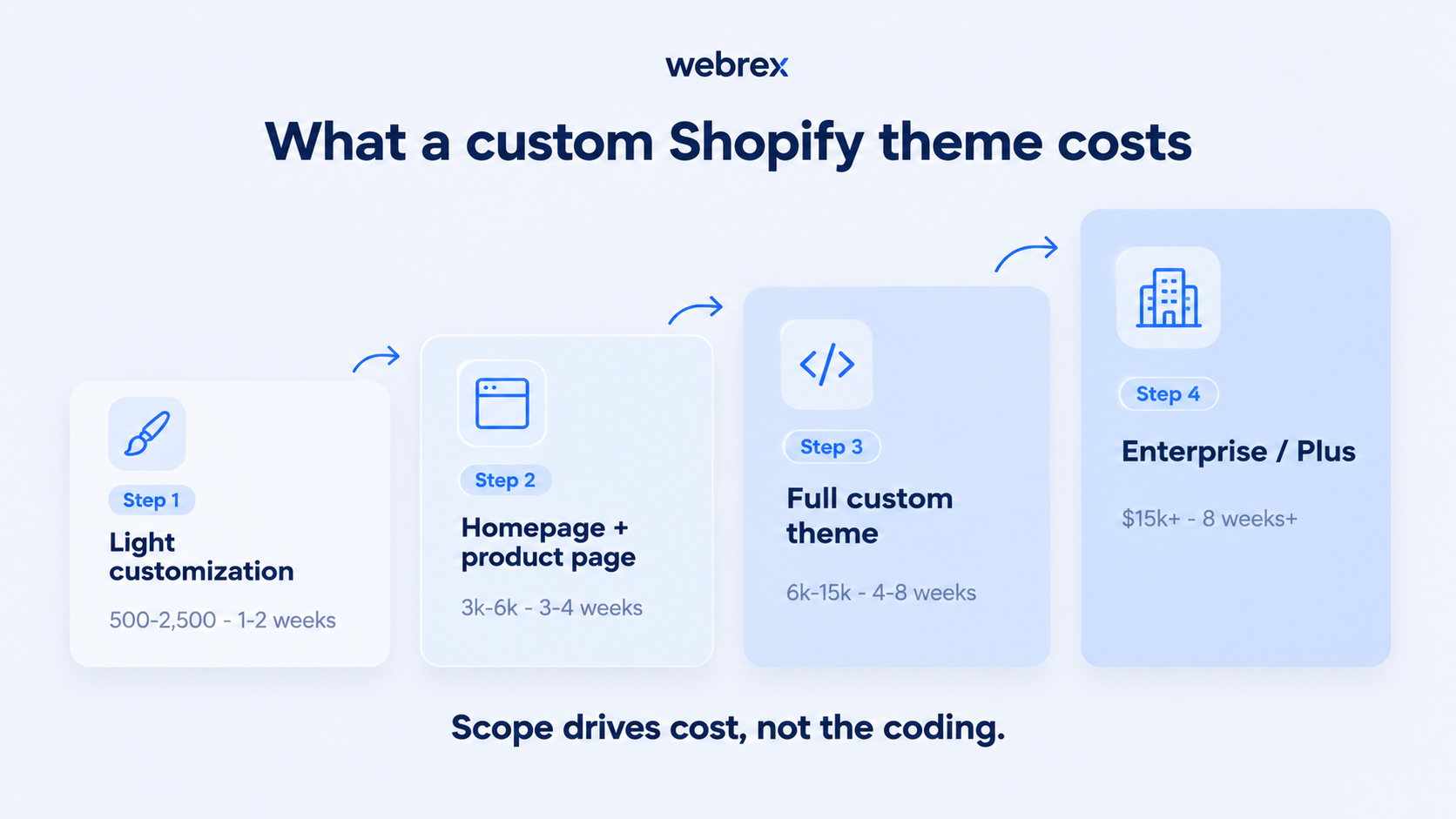
- The build itself: For most stores, 3,000 to 15,000 dollars. A simple custom homepage and product page sits at the low end. A full store with many custom page types and advanced features sits at the high end.
- The brief and the decisions: The build is fast once decisions are made. The slow, hidden cost is your time deciding what you want and giving feedback. A vague brief is what makes projects run long and over budget, not the coding.
- The upkeep: A custom theme still needs someone who can make small changes later. Built in Shopify's current theme system, your own team can edit most things. Built as rigid hand-coded pages, you call a developer for every tweak.
Knowing this upfront separates owners who are happy with their custom theme from owners who regret it. The design is rarely the problem. The planning and the upkeep are.
The fear you actually have: Will it be slow, hurt SEO, or break?
This is the number one worry, so let us answer it directly.
-
A good custom theme is faster, not slower: Speed problems come from bloated templates and stacks of apps. A clean custom build removes apps you no longer need and loads only the code your store uses, so a well-built custom theme usually loads faster than the app-heavy template it replaces. If speed is your main concern, that is really a Core Web Vitals problem worth measuring before you rebuild anything.
-
Your SEO is protected because your URLs do not change: A theme change is a design change, not a site move. Your product and collection URLs, your content, and your redirects stay the same, so your rankings carry over. A faster, cleaner store helps the pages you already rank for: one UK store we worked with went from 8,000 to 28,000 organic clicks in 90 days once the technical problems holding those pages back were cleared.
-
It will not break on updates if it is built right: Built on Shopify's current theme system, your theme is stable, and your team can edit sections safely. The stores that break are the ones running years-old code or heavy app patches, which a proper build removes.
Shopify custom theme development: How the build actually happens, step by step
Here is what Shopify custom theme development actually involves. This theme development and customization process moves through six clear stages.
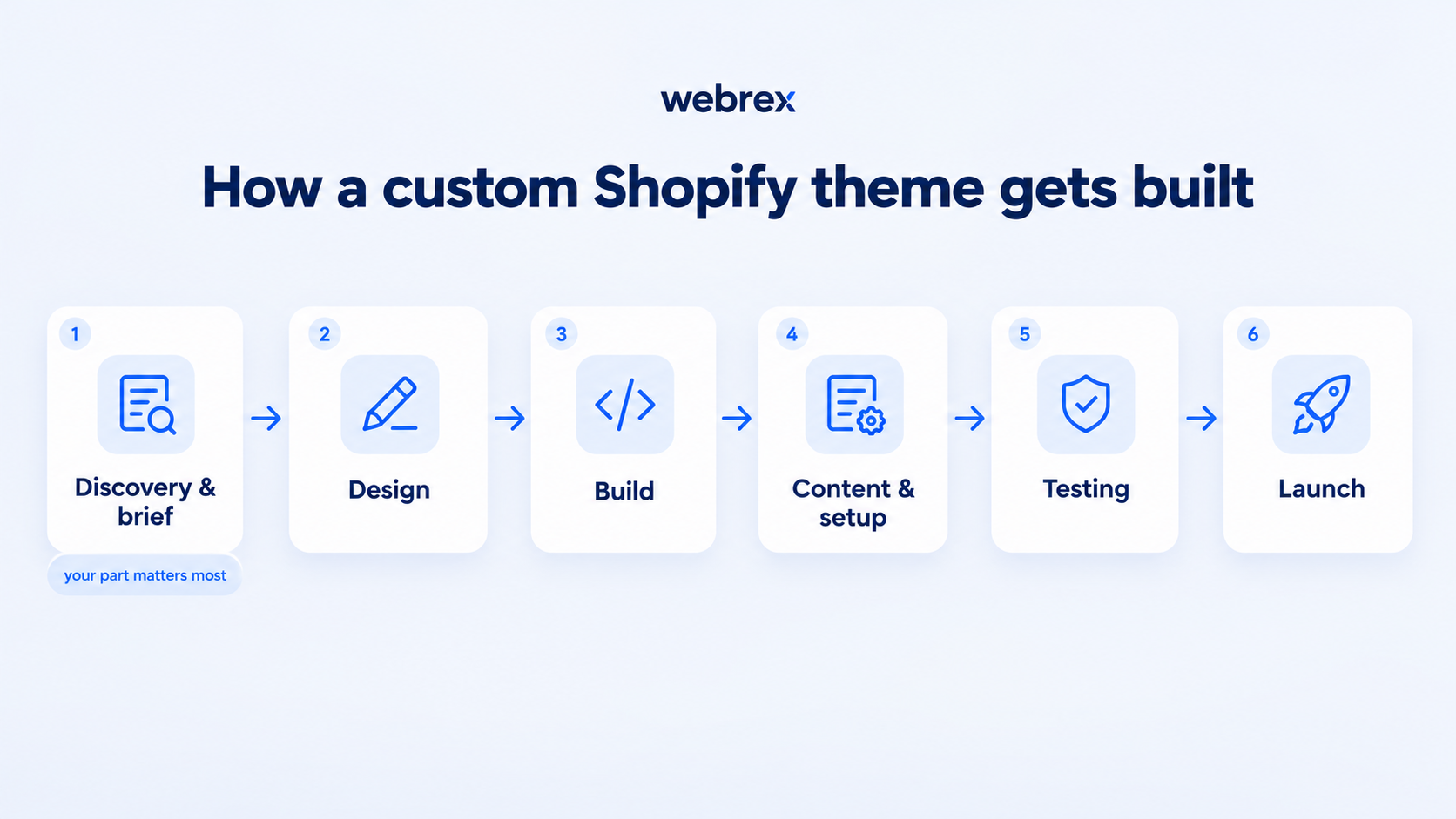
- Discovery and brief. You explain your brand, products, best sellers, and the pages you sell from. This step is on you and matters most.
- Design. The developer turns the brief into page designs: homepage, collection, product, cart, and any landing pages. You give feedback.
- Build. The approved designs are built into a real Shopify theme using the section system, so every block can be edited later in your theme editor.
- Content and setup. We place your products, images, menus, and pages into the new theme, and add back the apps you still need cleanly.
- Testing. The team checks speed, mobile layout, checkout, and every page type on real devices before anything goes live.
- Launch. The new theme is published, redirects are confirmed, and the store goes live with the old theme kept as a backup.
Customizing an existing theme vs building one from scratch
Not every store needs a full build. There are two paths, and Shopify theme customization on a theme you already own is often the right first step. Sidekick can now generate simple theme blocks from a text prompt, but it has limits once you need real design or custom code.
| Factor | Customize an existing theme | Build a custom theme from scratch |
|---|---|---|
| Cost | Lower | Higher |
| Timeline | Days to 2 weeks | 4 to 8 weeks |
| Control | Limited to the theme’s structure | Full, every section is yours |
| Shared design | Yes, base theme is shared | No, nothing shared |
| Best for | Brand fit on a theme you like | Needs that outgrow any template |
| Risk | Low | Low when built on Shopify’s section system |
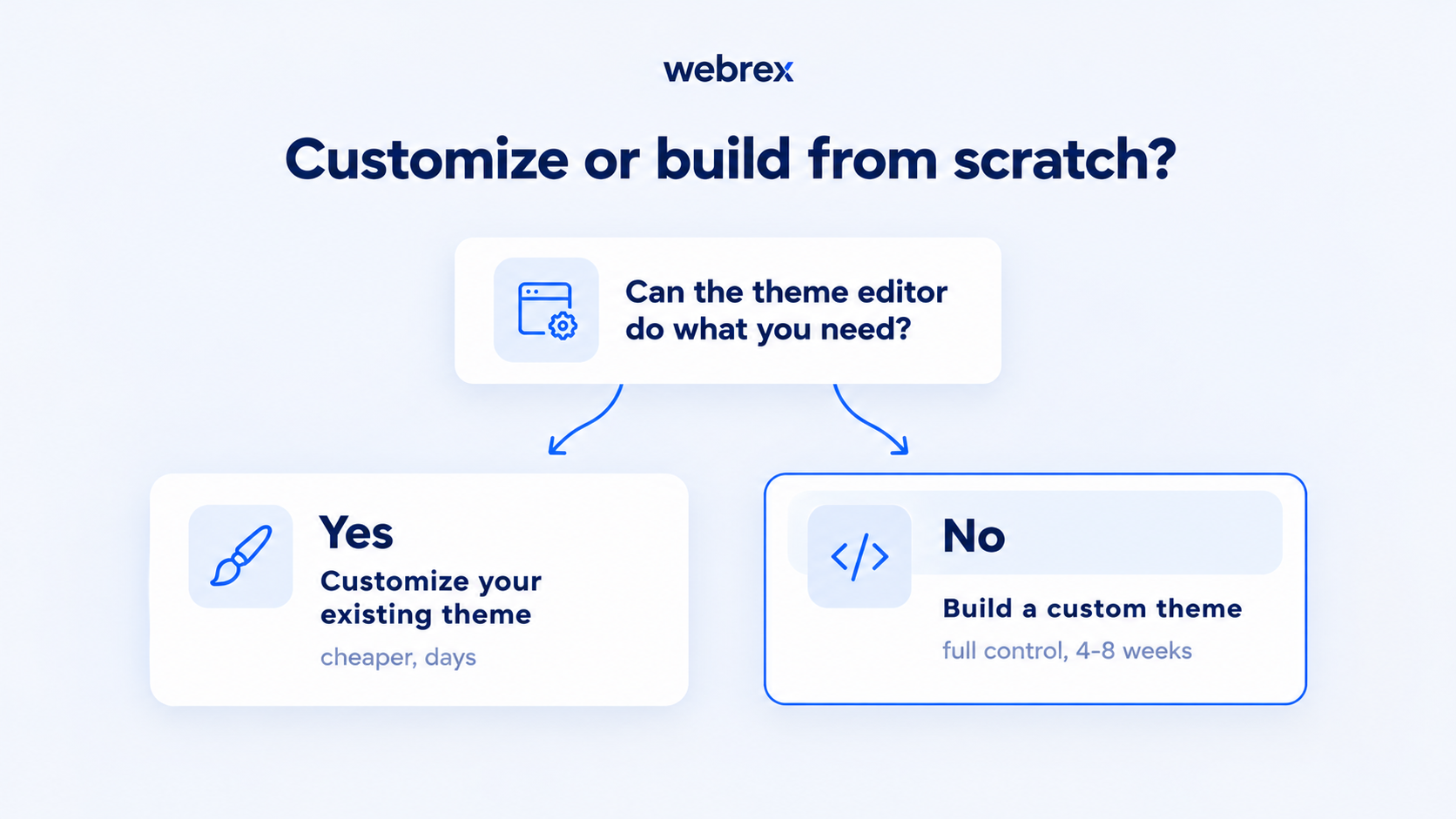
- Customizing a theme you already have. If you like your current theme but want it to fit your brand better, you can edit it in the Shopify theme editor: change sections, colors, fonts, and layout without code. For bigger changes, a developer can add custom sections and code on top. This is the fastest, cheapest route, and for many stores it is all you need.
- Choosing to build a custom theme from scratch. When your needs outgrow what any template can do, you develop a Shopify theme of your own. To build a Shopify theme this way, you start from a blank or starter base and code every section around your products using Shopify's section system. It costs more and takes longer, but you get full control and nothing shared with other stores.
The honest rule: customize first, and only move to full custom theme development when customizing stops being enough.
Common mistakes that cost owners the most
- Starting with a vague brief. "Make it look premium" is not a brief. Unclear direction is the single biggest reason builds run long and over budget. Bring examples, your best sellers, and the exact pages you sell from.
- Building pages nobody can edit. If the theme is hand-coded outside Shopify's section system, you call a developer for every small change. Insist it is built so your own team can edit sections in the theme editor.
- Copying a competitor's look instead of your customer's needs. A design that looks like a rival does not mean it converts. Build around how your customers actually shop, not around what looks impressive.
- Skipping mobile. Most of your traffic is on a phone. A theme designed on a big screen and checked on mobile last will lose you sales. Mobile has to be part of the brief from day one.
Your first 30 days: a simple plan to get one built
- Week 1: Decide if you actually need one. List what your current theme cannot do that is costing you sales. If the list is short and standard, a premium theme may be enough. If you are stacking apps and code to force it to work, a custom theme is the right move.
- Week 2: Write the brief. Gather your logo, colors, fonts, and photography. Name your best sellers and the pages you sell from. Collect two or three stores whose layout you admire and note why.
- Week 3: Pick who builds it. Talk to two or three developers. Ask how they build (Shopify section system, so you can edit later), the timeline, and what upkeep looks like after launch. Choose on clarity, not just price.
- Week 4: Start the build and stay responsive. Give feedback quickly, because your speed of response keeps the project on schedule. Approve stage by stage rather than changing everything at the end.
Follow that, and you go from "our theme is holding us back" to a live, purpose-built store in about six to eight weeks.
Frequently asked questions
What is a custom Shopify theme?
A custom Shopify theme is a store design built specifically for your brand instead of a shared template. It controls how your homepage, collection pages, and product pages look and work, and it is made to match how your store sells rather than the needs of an average store.
How much does a custom Shopify theme cost?
For most stores, a custom Shopify theme costs between 3,000 and 15,000 dollars. A single custom homepage and product page sits at the low end, while a full store with many custom page types and advanced features sits at the high end. Ongoing upkeep is a separate, smaller cost.
How long does it take to build a custom Shopify theme?
A custom theme usually takes 4 to 8 weeks. The build itself is fast. What sets the timeline is how quickly you provide a clear brief and how quickly you give feedback on the designs.
Is a custom theme better than a premium theme?
Not always. A premium theme is the better choice if your needs are standard and your range is small, because it is cheaper and faster. A custom theme wins once you are stacking apps and code to force a template to do things it was not built for.
Will a custom theme hurt my Shopify SEO?
No, as long as your URLs stay the same. A theme change is a design change, so your links, content, and redirects carry over and your rankings stay protected. A cleaner, faster theme often helps existing pages rank better.
Do I need to know how to code to get a custom theme?
No. You hire a developer or agency to build it, and your job is the brief and the feedback. If it is built on Shopify's current section system, you can edit most content yourself afterward.
How to customize a Shopify theme?
Go to Online Store, then Themes, and click Customize to open the theme editor. From there you add, remove, and reorder sections, change colours and fonts, and edit text and images without touching code. Always duplicate your live theme first and edit the copy. For changes the editor cannot make, a developer edits the theme code or adds custom sections, kept separate so a theme update does not overwrite them. Preview on mobile and test checkout before you publish.
How do I customize a Shopify theme without breaking it?
Always duplicate your live theme first, then customize the copy. Make changes in the theme editor where you can, and keep custom code in its own sections so a theme update does not overwrite it. Preview on mobile and test checkout before you publish the copy as your live theme.
How do I build a custom Shopify theme?
You build a custom Shopify theme by starting from a blank or starter base and coding each section in Shopify's theme system, or by hiring a developer to do it. The process runs through discovery and brief, design, build, content setup, testing, and launch, usually over 4 to 8 weeks.
How do leading agencies handle Shopify theme customization?
Leading agencies treat Shopify theme customization as a process, not a one-off design job. They start with a data-led brief (your best sellers, the pages you sell from, your brand), design the key selling pages first, then build everything on Shopify’s current section system so your team can edit it later. They test speed, mobile, and checkout on real devices before launch, keep your old theme as a backup, and plan upkeep from day one. The design is rarely the hard part, the brief and the build quality are what separate a good agency from a cheap one.
How much can you customize Shopify?
You can customize almost everything a shopper sees. In the theme editor you can change sections, layout, colours, fonts, text, and images with no code. With a developer you can go further: custom page types, custom sections, bespoke product pages, landing pages, and app-free features coded into the theme. The checkout is more limited on standard plans and fully customizable on Shopify Plus. In short, the storefront is highly customizable, while the core platform and checkout have guardrails unless you are on Plus.
Where to go from here
Getting a custom Shopify theme built is far less risky than most owners fear. The design work is the easy part. What decides whether you are happy with the result is a clear brief, a developer who builds it so your team can still edit it, and an upkeep plan. Get those right, and you end up with a faster store, protected rankings, and a design shaped around how you actually sell.
If you want a clear picture of whether a custom theme is worth it for your store, book your free Shopify store audit and see exactly what your build would need.