



Shopify Sidekick is the AI assistant built into your Shopify admin. You open a chat, ask a question or give an instruction in plain English, and it answers questions about your store, explains how to do things, and takes some actions for you, like setting up a discount or editing a product. It is useful for quick admin tasks. It is also easy to overestimate. This guide covers what Sidekick on Shopify actually does for store owners, where it falls short, and when you still need a human.
TL;DR
Shopify Sidekick is a solid in-admin helper for small, well-defined tasks: answering data questions, navigating the admin, drafting content, and making simple changes. It is not a growth strategy, a specialist, or a team. For SEO, paid ads, CRO, and custom development, it can assist, but it cannot own the outcome. Use it to move faster on the small stuff, and keep experts for the work that actually moves revenue.
In this guide
- What is Shopify Sidekick
- What Shopify Sidekick can do for store owners
- Where Shopify Sidekick falls short
- Shopify Sidekick vs a growth partner
- How to actually use the Shopify AI assistant well
- Frequently asked questions
This guide walks you through what Sidekick is, what it does well, where it fails, how it compares to having a real team, and how to get the most out of it, in plain language with no hype.
What is Shopify Sidekick
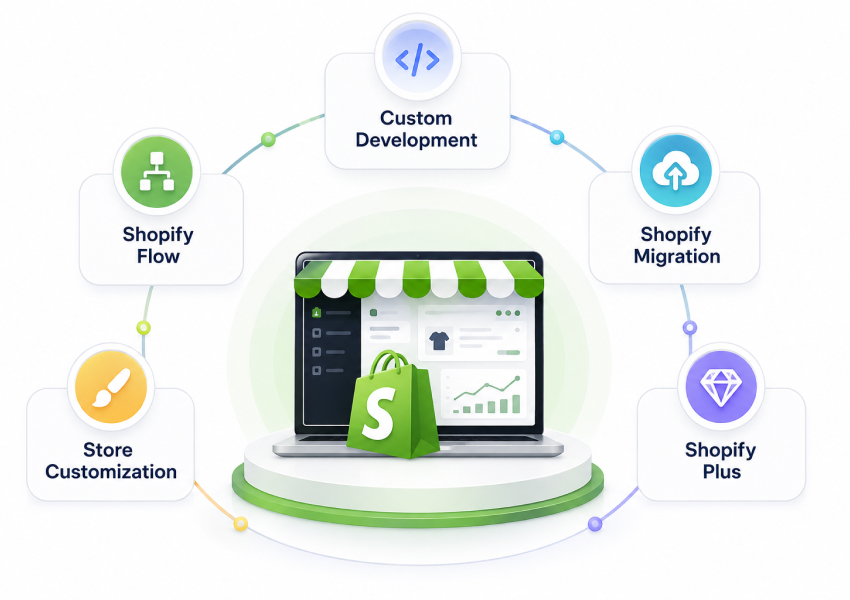
Shopify Sidekick is Shopify's built-in AI assistant, and the conversational side of Shopify Magic. It lives inside your Shopify admin as a chat you can open at any time. You type what you want in normal language, and it tries to answer or do it. Shopify's own Sidekick documentation covers the setup.
In plain terms, Sidekick on Shopify is:
- A conversational layer over your admin. Instead of clicking through menus, you ask.
- Aware of your store. It can read your own store data (products, orders, customers, analytics) to answer questions.
- Able to take some actions. It can do certain tasks for you, not just explain them, and it asks for your approval before it changes anything.
- Included with Shopify, at no extra cost. Some features are limited by plan, device, or language, so not every store sees the same version.
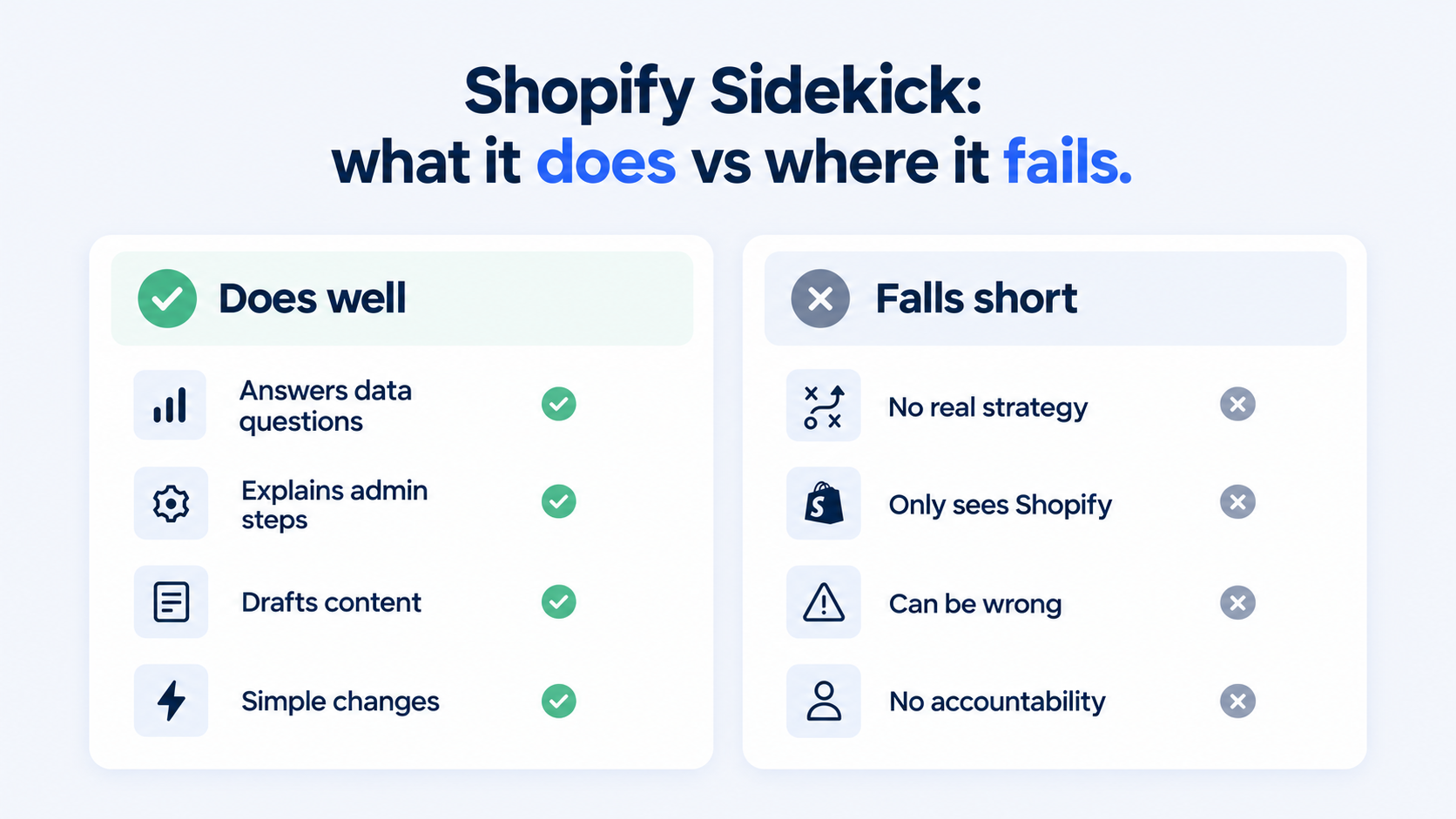
The point: Sidekick is a helpful assistant inside Shopify, not a separate growth tool. It knows your store and Shopify, and that is both its strength and its ceiling.
What Shopify Sidekick can do for store owners
Used for the right jobs, the Shopify Sidekick AI saves real time. Here is where it helps most.
| Task | What Sidekick does |
|---|---|
| Answer data questions | "What were my sales last month?" or "Which product sold the most?" without building a report |
| Explain how to do things | Walks you through admin steps so you do not have to search the help center |
| Make simple changes | Set up a basic discount, create a collection, edit a product, apply filters |
| Draft content | Product descriptions, store pages, blog posts and email copy |
| Edit product images | Quick image tweaks like background changes |
| Build simple admin apps | Generates small admin-only apps from a prompt (Grow, Advanced and Plus plans only) |
| Suggest next actions | Sidekick Pulse surfaces recommendations on your admin Home page (early access, select stores) |
| Troubleshoot | Points you toward why something is not working in the admin |
- Best for: quick, well-defined tasks a busy owner would otherwise click through or look up.
- The time win is real: for everyday admin, asking is often faster than navigating.
- It keeps growing: features like Sidekick Pulse and app generation arrived through recent updates. Our Shopify Editions Spring 2026 breakdown covers what changed.
The takeaway: Think of Sidekick Shopify as a fast in-admin helper. For small, clear jobs inside Shopify, it is a real shortcut.
Where Shopify Sidekick falls short
This is the part the marketing does not emphasise. The AI sidekick has real limits, and knowing them keeps you from relying on it for things it cannot do.
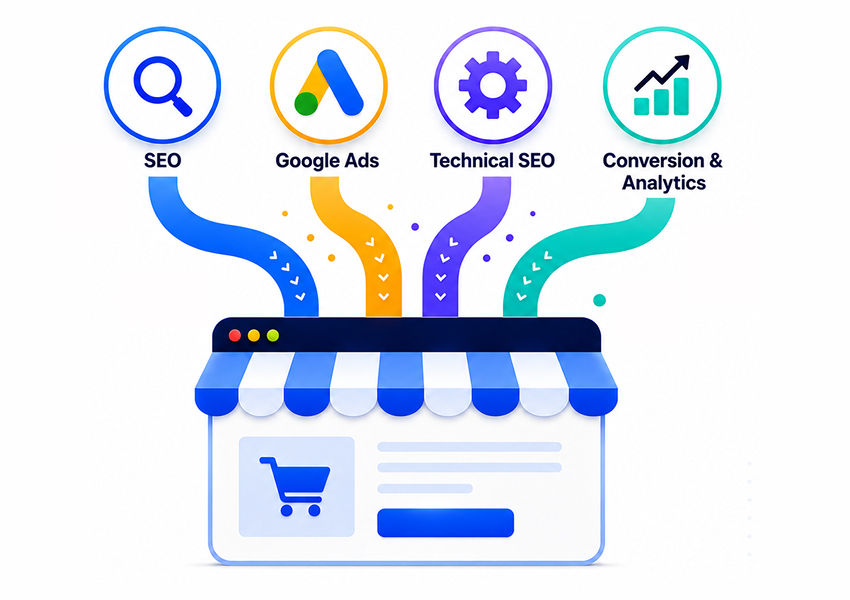
- It only knows Shopify and your store: It cannot see Google Search Console, GA4, your ad accounts, competitors, or the wider market, so it cannot build real SEO, ads, or market strategy.
- It can be wrong: Like any AI, it can give confident but inaccurate answers. Shopify itself says AI outputs can contain errors, and Google's guidance on AI-generated content makes the same point: review anything that matters before you act on it.
- It does tasks, not strategy: It can set up a discount; it cannot decide the discount strategy that protects your margin and still drives volume.
- It follows instructions literally: It does what you ask, not what you should have asked. It will not catch that your real problem is a leaking checkout, not a missing coupon.
- No ownership: It is a tool, not a partner. It will not run a campaign, report on results, or be accountable for revenue.
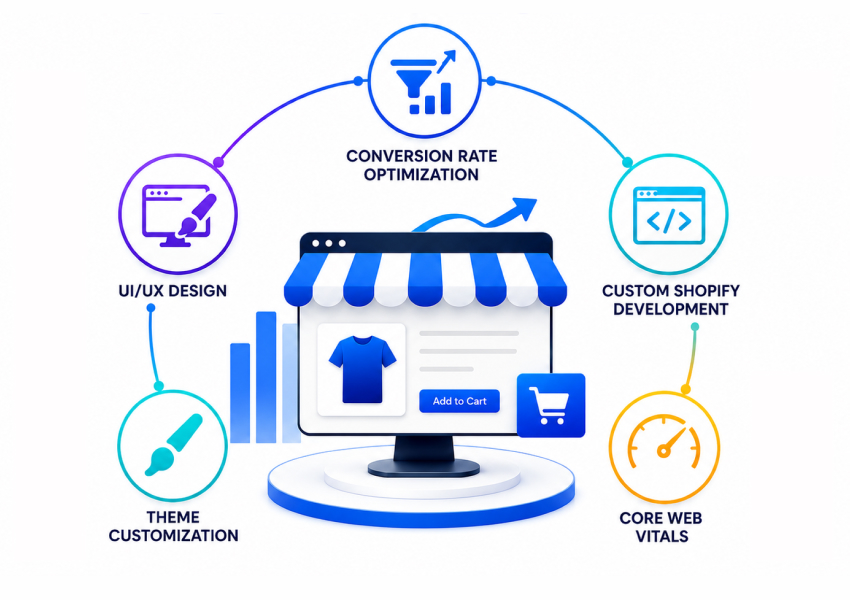
- Depth is limited: Sidekick can now generate small admin apps and suggest actions through Pulse, but those apps only run inside the admin and cannot touch your theme or checkout. Complex, multi-step work like custom development, technical SEO, paid media management, and serious CRO is beyond a chat assistant.
- Availability varies: Features differ by plan, device, and language. App generation, for example, is limited to Grow, Advanced and Plus plans on desktop, and Pulse is still in early access.
The point: Sidekick removes clicks, not thinking. The decisions that actually move revenue still need a human who can see the whole picture.
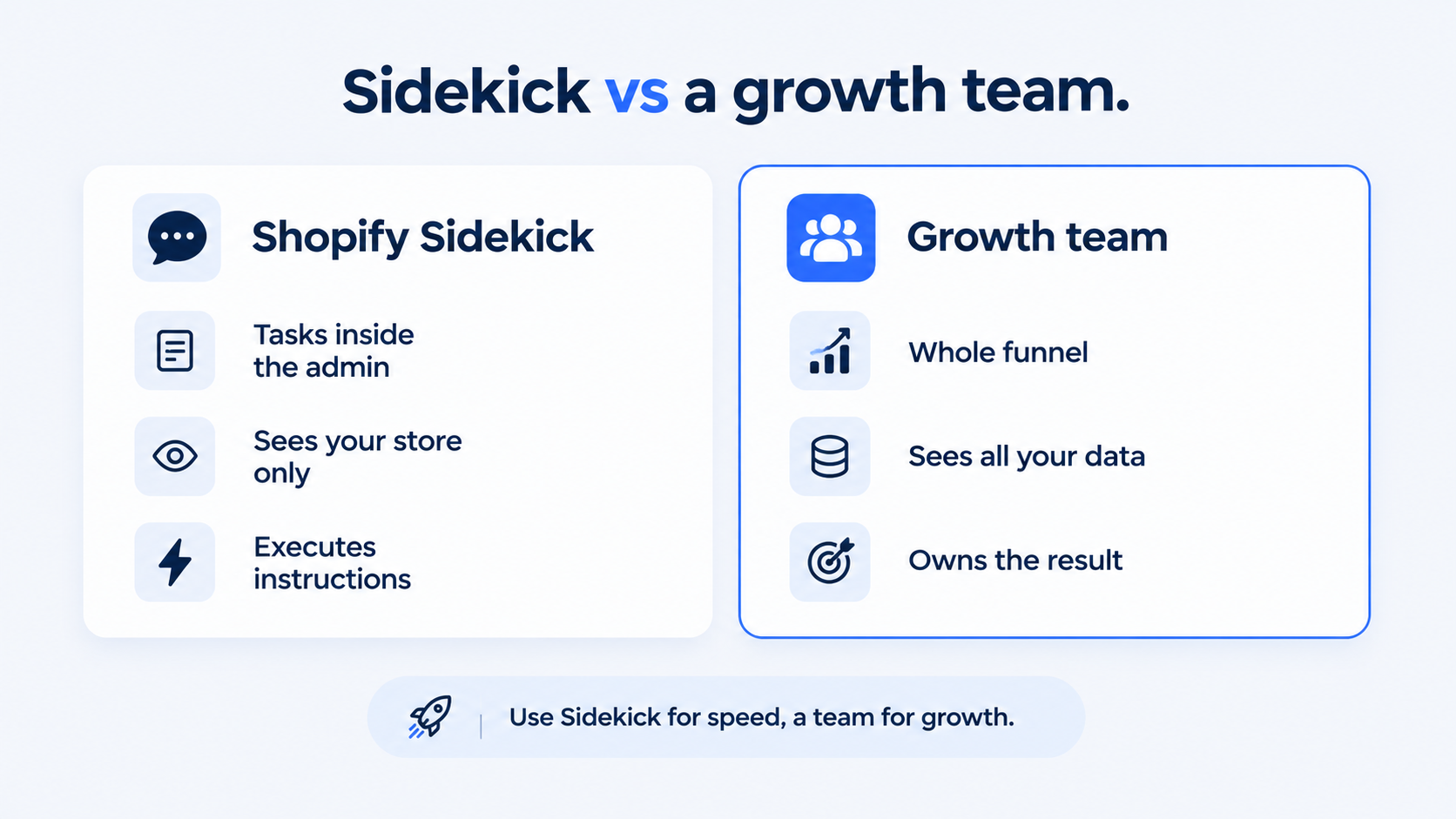
Shopify Sidekick vs a growth partner
It helps to be clear about what the Shopify AI assistant replaces and what it does not. Here is how it compares with a growth partner that owns results.
| Shopify Sidekick | A growth agency (Webrex) | |
|---|---|---|
| Scope | Tasks inside your Shopify admin | Whole funnel, on and off Shopify |
| Data it sees | Your store + Shopify | Store, GA4, Search Console, ad accounts, competitors |
| Strategy | No, it executes instructions | Yes, it sets direction |
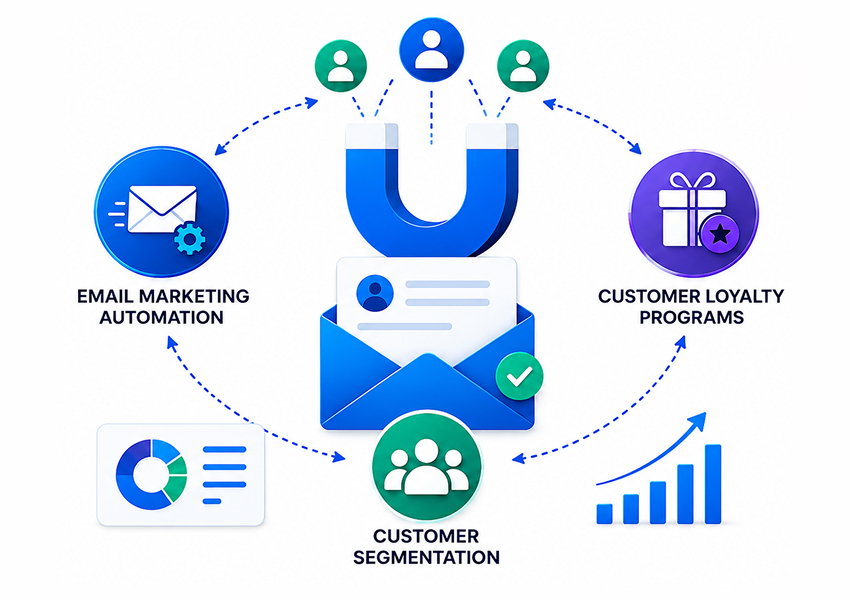
| Channels | Admin tasks only | SEO, ads, email, CRO, development |
| Accountability | None, it is a tool | Owns the result and reports on it |
| Best for | Speeding up small admin jobs | Actually growing revenue |
- They are not rivals. Sidekick makes the small stuff faster. A team makes the big stuff happen, from SEO and ads to email and CRO.
- Smart owners use both: Sidekick for quick tasks, experts for growth.
How to actually use the Shopify AI assistant well
To get value from the Shopify Sidekick AI without over-trusting it:
- Use it for speed, not decisions. Great for "how do I" and "what is my number"; not for "what should my strategy be."
- Always verify important actions. Check any change it makes to pricing, discounts, or live settings before trusting it. The same rule applies to any AI that acts on its own in your store.
- Give clear, specific instructions. It is literal, so the clearer the ask, the better the result.
- Keep a human on the big levers. SEO, ads, CRO, and development still need expert hands.
The takeaway: Sidekick is a good assistant and a bad strategist. Let it handle the clicks, and keep judgment and growth work with people.
Frequently asked questions
What is Shopify Sidekick AI?
Shopify Sidekick AI is Shopify's built-in AI assistant, part of Shopify Magic. It lives in your Shopify admin as a chat where you ask questions or give instructions in plain English. It can answer questions about your store data, explain how to do admin tasks, and carry out some actions like creating a discount or editing a product.
Is Shopify Sidekick free?
Sidekick is included with Shopify plans at no extra cost, rather than a separate paid add-on. Some features are plan-limited, and availability can vary by device and language. App generation, for example, is only on the Grow, Advanced and Plus plans. Check your admin to see which Sidekick features are active on your account.
What can Sidekick Shopify actually do?
It can answer data and analytics questions, walk you through admin steps, draft content like product descriptions, make simple changes such as discounts and collections, and do light image edits. On some plans it can also generate simple admin apps. It is best for quick, well-defined tasks inside the Shopify admin, not for strategy or work outside Shopify.
Can the Shopify AI assistant replace an SEO or ads agency?
No. Sidekick only sees your store and Shopify, so it cannot run real SEO, paid ads, or CRO, which depend on data from Search Console, analytics, ad platforms, and the wider market. It can assist with small tasks, but it cannot set strategy, manage campaigns, or be accountable for revenue the way a team like Webrex can.
Is Shopify Sidekick any good?
For what it is, an in-admin assistant that speeds up small tasks, it is useful. Just keep its limits in mind: it can be wrong, it executes instructions rather than deciding strategy, and it cannot do the deeper growth work. Use it to move faster, verify anything important, and keep experts on the work that moves the needle.
Do I still need a developer or marketer if I have Sidekick?
Yes, for anything beyond basic admin tasks. Custom development, technical SEO, paid media, and serious conversion work are outside what a chat assistant can own. Sidekick complements a team; it does not replace one.
Where to go from here
Shopify Sidekick is a smart addition to the admin and worth using for the small, repetitive tasks that eat your day. Just be honest about what it is: a fast assistant, not a growth strategy. It removes clicks, not the thinking, and the work that actually grows revenue, SEO, ads, CRO, and development, still needs people who can see the whole picture. If you are weighing outside help, our list of the best Shopify Plus agencies is a good place to start.
If you want that side handled properly, book your free Shopify store audit, and we'll show you where the real growth wins are, the ones Sidekick can't find on its own.